
Why you should know this
This security concept can affect access, identity, funds or recovery. Understanding it before funding helps us pause and verify instead of depending on memory during stress.
The short answer
This lesson connects extensions, saved sessions, number takeover and carrier-account protection to financial security.
Protect the SIM and mobile number
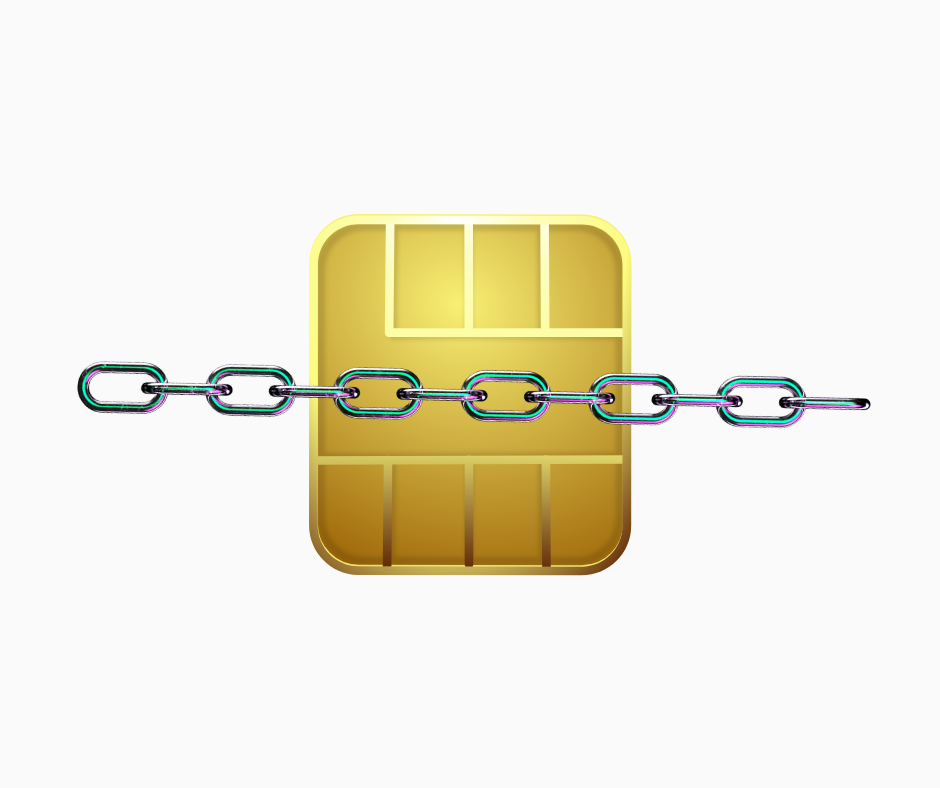
SIM-swap fraud moves a victim’s phone number to another SIM. The attacker may then receive SMS codes or use password recovery.
Ask the mobile carrier about an account PIN, port-out protection or other supported safeguards. Minimize public posting of the number tied to financial accounts. If service disappears unexpectedly, contact the carrier from a known channel and treat connected accounts as potentially exposed.
Where available and practical, prefer an authenticator app or phishing-resistant authentication over SMS as the only second factor.
Warning signs of a possible SIM swap include sudden loss of calls and texts, an unexpected carrier notice, a password-reset alert or a new-device message. Network outages happen, so verify rather than panic. Use another trusted connection to contact the carrier through a known number and inspect linked accounts.
Do not give an incoming caller an OTP, carrier PIN or verification code to “restore service.” The code may be the final step of the takeover. Ask the carrier what port-out or account-lock controls it currently supports; names and procedures vary.
Protect the browser
Update it automatically. Install only necessary extensions from verified publishers and review their permissions. An extension that can read and change website data may see sensitive pages.
Bookmark official financial sites instead of relying on advertisements or message links. Check the entire domain, not just the padlock; HTTPS protects the connection to a site but does not prove the site is honest.
Use a separate browser profile for financial activity if it helps reduce extension and account mixing. Do not let convenience create an unreviewed list of connected wallets and sessions.
Browser extensions are software with continuing privileges, not decorative buttons. Keep the smallest set you need. Review connected-site permissions inside a wallet separately from the browser extension list; disconnecting a website session may not revoke an on-chain token approval, and revoking an approval may require a network transaction.
Treat clipboard and QR codes as convenience, not proof. Malware or a deceptive page can replace an address, and a QR code can encode the wrong destination. Compare the meaningful beginning and end of an address on both trusted screens and verify the asset, network and amount before approving.
A familiar Philippine or Asian example
Lia, a Filipino mobile user, opens this lesson before adding funds. She writes three things: the official channel, the action or secret that authorizes access, and the recovery or escalation path. She keeps passwords, recovery phrases and identity documents out of the exercise.
One risk or limitation
Act when you see an unexpected password-reset email, new login, extension prompt, remote-access request, carrier change, disabled MFA, changed withdrawal address or wallet transaction you did not initiate. Verify through official channels and preserve the alert. Waiting for a second warning can give an attacker time to strengthen their access.
How this connects to market mastery
Market mastery includes operational survival. Good analysis cannot help if an account, device, recovery method or transfer process fails before the market decision is completed.
Quick check — no money needed
Without opening a real account or sending funds, write a three-step plan for the situation in this lesson. Mark which step must use an independently found official channel.
If you can explain your answer and name the main limitation, this lesson is complete.