
Why you should know this
This security concept can affect access, identity, funds or recovery. Understanding it before funding helps us pause and verify instead of depending on memory during stress.
The short answer
This lesson covers screen lock, updates, app permissions and lost-device preparation.
If the phone is lost
Use a trusted device and follow your prepared order:
- Use the official lost-device service if appropriate.
- Secure the primary email and platform account; revoke the missing device.
- Contact the carrier and protect or suspend the number.
- Contact financial providers through bookmarked or recorded channels.
- Review sessions, recovery changes, wallet connections and transaction history.
- Rotate credentials that may have been exposed and preserve incident records.
If a self-custody seed phrase was stored on the phone, treat the situation according to whether the storage could be exposed. Moving assets may be appropriate only after verifying a clean wallet, destination and network; rushed movement can create a second loss.
Protect the phone
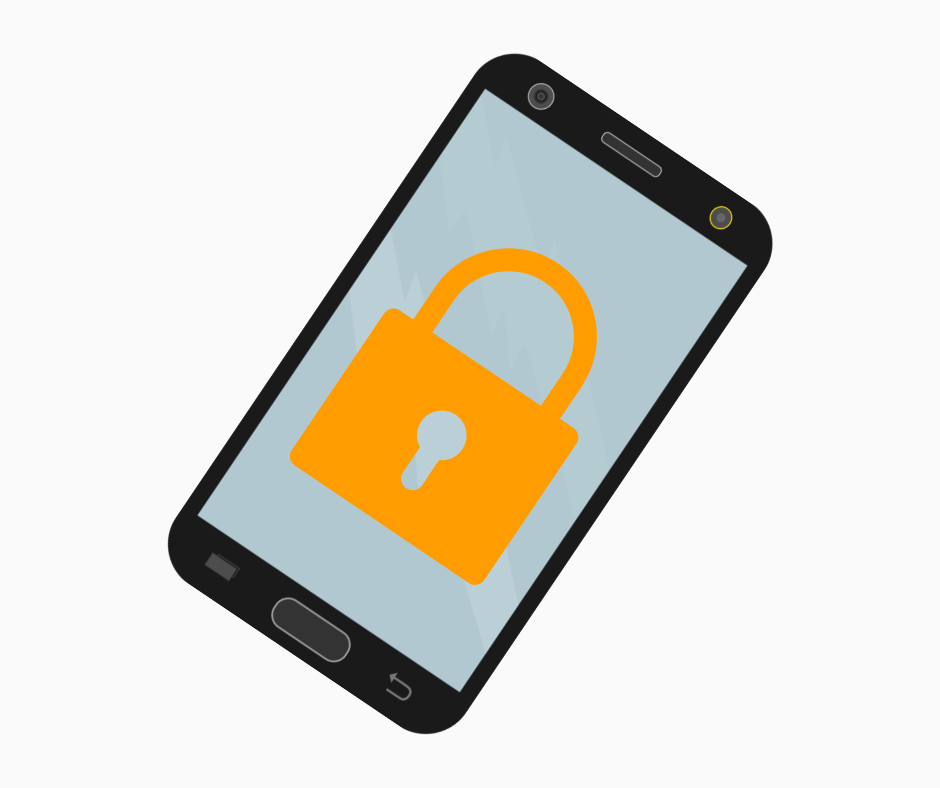
- Install operating-system and app updates from official sources.
- Use a strong screen lock and short automatic-lock time.
- Enable device encryption and trusted lost-device features where supported.
- Review installed apps and remove unknown or unnecessary remote-access tools.
- Hide sensitive notification previews from the lock screen.
- Avoid rooting or other modifications on a device holding financial credentials unless you fully understand the added risk.
- Maintain a recovery plan that does not expose wallet or account secrets.
Biometrics can improve convenience, but the fallback PIN and recovery account still matter.
Review app permissions, especially accessibility control, screen capture, device administration, notification access and installation of unknown apps. A legitimate app may need a camera for KYC or QR codes, but a random utility does not need to read every notification. Remove apps you do not trust before using the phone for financial activity.
Know what your lost-device service can and cannot do. Confirm it is enabled before a loss, and protect the platform account that controls it. Remote erase may reduce exposure but can also remove access to an authenticator, so recovery codes must not exist only on the device being erased.
A familiar Philippine or Asian example

Lia, a Filipino mobile user, opens this lesson before adding funds. She writes three things: the official channel, the action or secret that authorizes access, and the recovery or escalation path. She keeps passwords, recovery phrases and identity documents out of the exercise.
One risk or limitation
Act when you see an unexpected password-reset email, new login, extension prompt, remote-access request, carrier change, disabled MFA, changed withdrawal address or wallet transaction you did not initiate. Verify through official channels and preserve the alert. Waiting for a second warning can give an attacker time to strengthen their access.
How this connects to market mastery
Market mastery includes operational survival. Good analysis cannot help if an account, device, recovery method or transfer process fails before the market decision is completed.
Quick check — no money needed
Without opening a real account or sending funds, write a three-step plan for the situation in this lesson. Mark which step must use an independently found official channel.
If you can explain your answer and name the main limitation, this lesson is complete.